
How to Find My Tickets
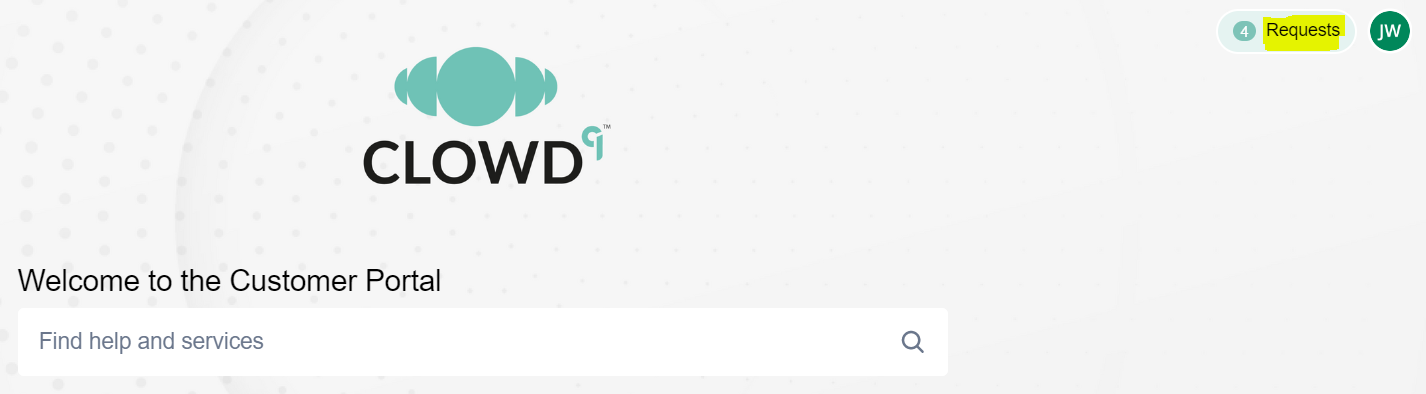
- Go to the main page and click ‘Requests’:
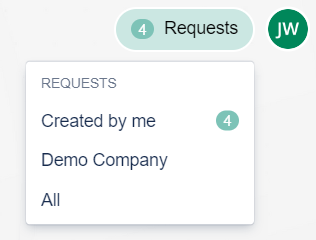
- Pick an option you prefer. It is possible to view all the cases created by you, or anyone else within your company:
- Make sure you have your list filtered to display the cases you want to see:
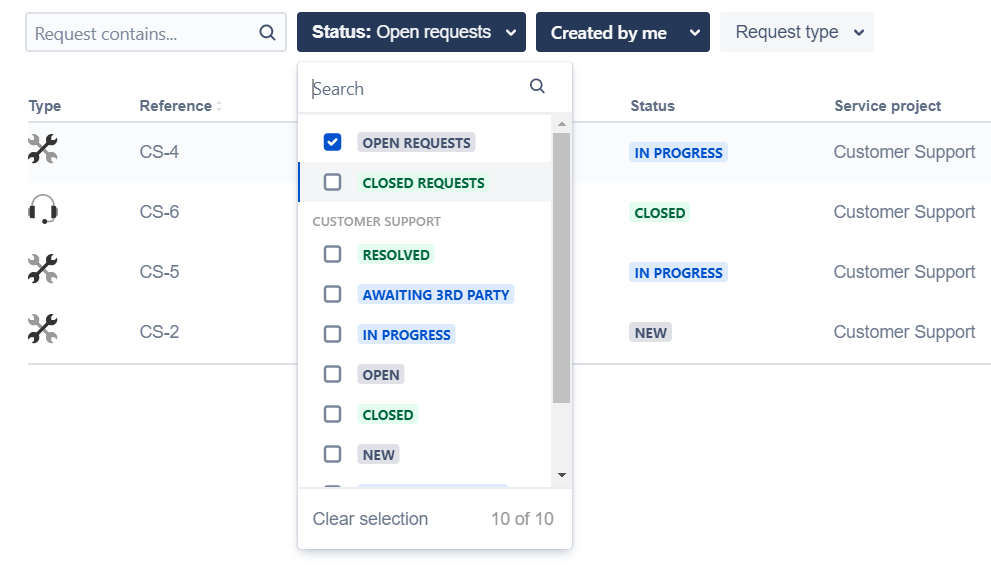
- Click on a case Reference or Summary to view details and to see the latest status and any messages. You can also create an update or respond to messages as needed.
Updated 4 months ago
What’s Next
Did this page help you?